Keeping a MacBook plugged in all day: what it does to the battery
Does leaving a MacBook on the charger ruin the battery? What Optimized Battery Charging does, why heat matters more, and what our battery shows after 618 cycles.
Keeping your MacBook plugged in DOES NOT ruin the battery health.
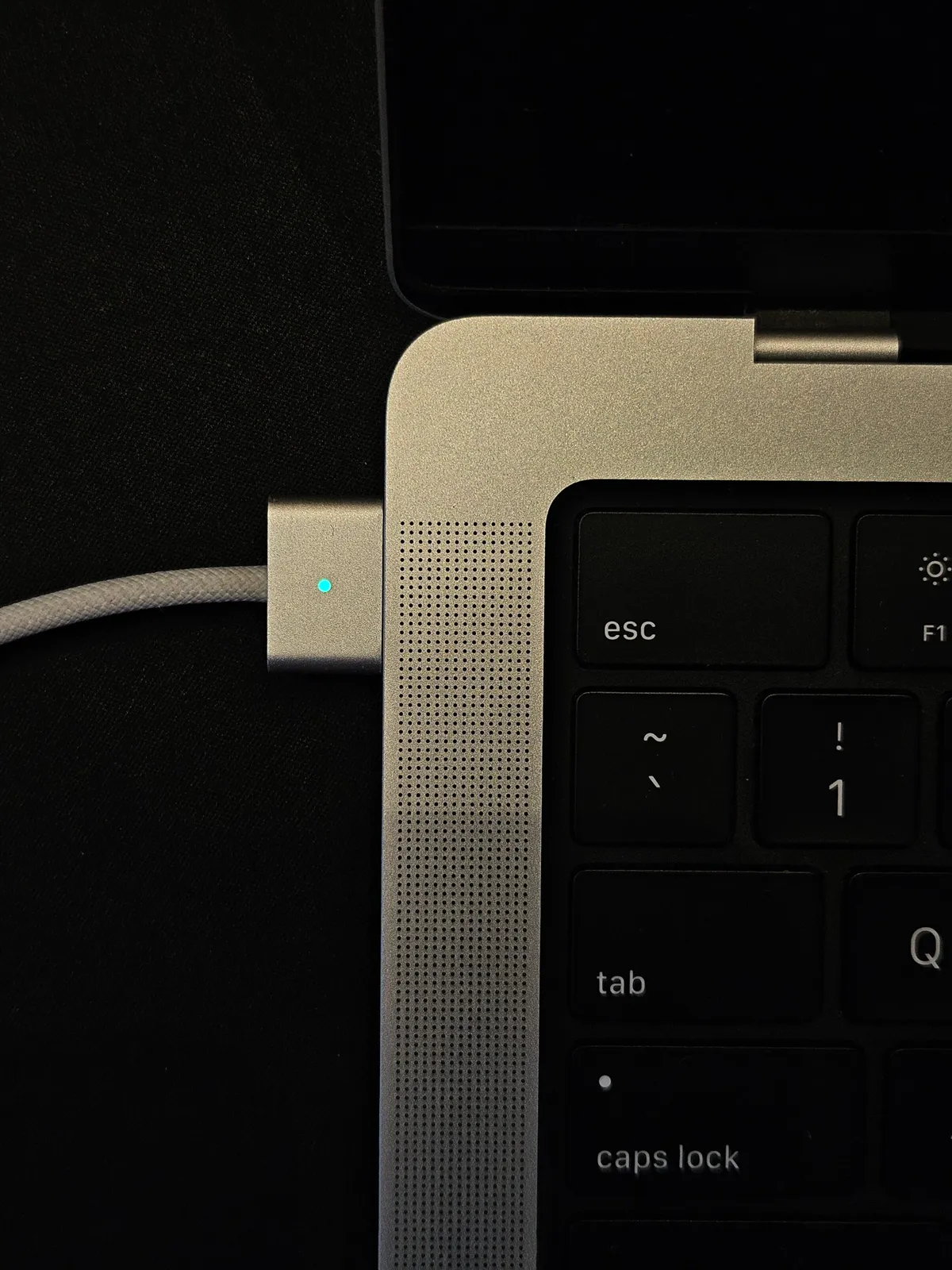
Does keeping a MacBook plugged in ruin the battery?
No. When the battery is full, macOS stops charging it and runs the Mac from the adapter. With Optimized Battery Charging on, it also learns your routine and holds the charge at 80 percent until shortly before you usually unplug.
What actually wears a MacBook battery?
Charge cycles and heat. Every full discharge and recharge counts as a cycle, and sitting at 100 percent while hot ages the cells faster. A plugged in Mac running cool does little harm; one charging under heavy load in a hot room does more.
Should I turn on Optimized Battery Charging?
Yes, if the Mac spends long hours on the charger. It is in System Settings, Battery, Battery Health. It changes nothing about how the Mac runs, only when the last 20 percent is charged.
To read your own figures, see how to check MacBook battery health.
Common questions
Is it bad to keep a MacBook plugged in all the time?
No. macOS stops charging a full battery and, with Optimized Battery Charging, holds it at 80 percent when it expects the Mac to stay plugged in. Heat matters more than the charger.
Should I unplug my MacBook at 100%?
You do not need to. Once full, the Mac runs from the adapter. Keeping it out of hot places while charging does more for the battery than unplugging.