The ten minute monthly routine that keeps a Mac from filling up
A short checklist that catches the categories which actually grow, with the commands for each, in the order that gives the most space soonest.
60% less disk space in Codex? that's huge for me. My macbook pro is always full of docs and code. I have to clear space every week just to keep working.
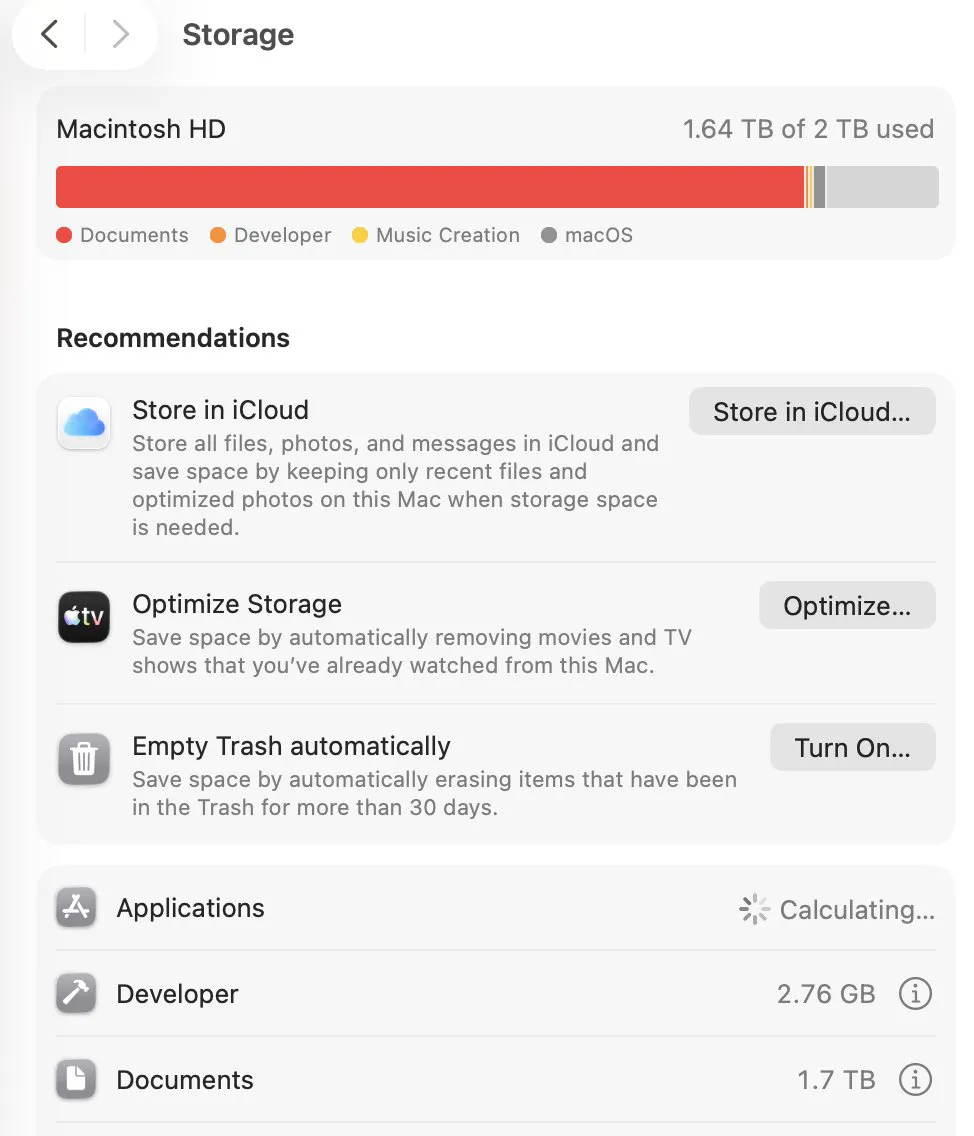
Cleaning up a Mac once, thoroughly, is satisfying and lasts about four months. A short routine that runs monthly is less satisfying and keeps the problem from existing, because it catches the categories that grow while you are not looking.
The ten minute version
- Empty the Trash, and the Trash on any external drive you have connected.
- Clear Downloads of anything you have finished with, especially installers.
- Empty Recently Deleted in Photos, and in Notes if you use it.
- Delete the previous device backup if you have set up a new phone since last month.
- Run one command to see what grew, and deal with only the top line.
du -xh -d 1 ~ 2>/dev/null | sort -h | tail -15 \
  | tee ~/Desktop/space-$(date +%F).txt
Saving the output is what makes this a routine rather than a chore repeated from scratch. Next month, diff against the previous file and the folder that moved is the only one you need to look at.
The quarterly additions
| Every three months | Why | Where |
|---|---|---|
| Clear build output in old projects | It is the largest developer category | node_modules |
| Prune Docker | Build cache grows with every build | Docker prune |
| Check for old device backups | One per device, kept forever | iPhone backups |
| Review large apps you no longer use | Uninstalling frees more than the bundle | what uninstalling leaves |
The settings to change once, not monthly
- Empty the Trash automatically after 30 days. In System Settings, General, Storage.
- Set cache limits in the two or three apps that offer them.
- Turn on online only files in whichever sync services you use.
- Set a shorter message retention in chat apps if you do not need years of history.
Those four cover most of what would otherwise be monthly work, which is the point: a routine should shrink over time as the settings do the job instead.
What not to put in a routine
Clearing caches on a schedule, running maintenance scripts, and rebuilding indexes are all things people add to a routine and none of them help. Caches come back immediately, macOS runs its own maintenance, and rebuilding an index costs more than it returns.
Common questions
How often should I clean up my Mac?
A ten minute pass monthly for the Trash, Downloads and per app deleted items, with a longer quarterly look at build output, Docker and old device backups. Most of it can be replaced by settings changed once.
What should be in a monthly Mac cleanup?
Empty the Trash including on external drives, clear Downloads, empty Recently Deleted in Photos and Notes, remove superseded device backups, and take one folder measurement to compare with last month.
Is it worth clearing caches every month?
No. Caches rebuild immediately, so clearing them on a schedule achieves nothing lasting. Clear a cache when it is specifically large, not as routine maintenance.
What settings stop a Mac filling up on its own?
Automatic Trash emptying after 30 days, cache limits in apps that offer them, online only files in sync services, and shorter message retention in chat apps. Those four replace most routine cleanup.