What the Photos library is really holding
A Photos library is rarely just photos. Originals, edits, previews and a database sit inside one bundle, and only some of it is safe to touch.
I still haven't turned on iCloud Photos. If my Mac is telling me that my Photos Library is 786GB (this is my complete set of photos), can I be fairly confident that if I turn iCloud Photos that it will take up around ~800GB of my iCloud storage space?
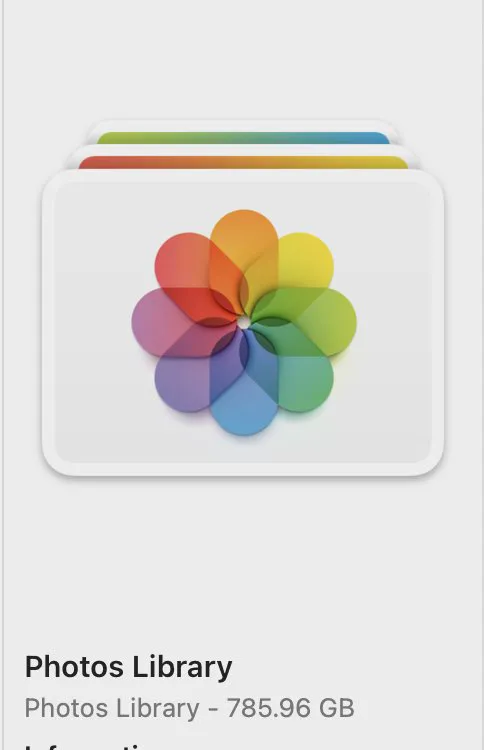
Photos Library.photoslibrary looks like one file and is a folder wearing a disguise. macOS presents it as a bundle so nobody edits its insides, which is correct, and it is also why the size is so hard to account for.
What is inside
| Part | Roughly what it costs |
|---|---|
| originals | Almost all of it. One copy per imported photo or video |
| renders and edits | A second copy of anything you have edited, since the original is kept |
| previews and thumbnails | Small each, large in total on a big library |
| the database | Small, and the one part that must never be touched |
The practical consequence: a library of edited photos can be nearly twice the size of the same photos unedited, because Photos never discards an original. That is the right default and it is worth knowing you are paying for it.
Optimise Mac Storage, and what it actually moves
In Photos, Settings, iCloud, with iCloud Photos on, Optimise Mac Storage replaces local originals with smaller versions and keeps the full ones in iCloud.
- It frees real space, often a lot, on a library of any size.
- It needs enough iCloud storage for the entire library, not the part being offloaded.
- Editing or exporting a photo downloads the original again, so the space comes back temporarily.
- Offline, an optimised photo is only available at its reduced size.
The two things that free space without iCloud
Recently Deleted
Photos keeps deletions for 30 days. On a library someone has just tidied, this is frequently several gigabytes of files they believe are already gone. In Photos, open Recently Deleted in the sidebar and empty it.
Duplicates
Photos has a built-in Duplicates album that merges rather than deletes, keeping the best version and the metadata of both. It is genuinely good and it only finds duplicates inside the library. For duplicates spread across a drive, see finding duplicates without paying for an app.
The second library nobody remembers
Anyone who used iPhoto or moved a library between Macs often has an old one still on disk. It does not appear in Photos and it is not counted in anything you would think to check, but it is a complete second copy. Look for other .photoslibrary bundles before concluding the library is simply large.
That is the sort of thing a whole-drive map finds and a category screen never will, which is the point made in reading the storage bar.
Common questions
Why is my Photos library so large on Mac?
Because it holds originals plus a second copy of anything you have edited, along with previews and a database. Photos never discards an original, so an edited library can be nearly twice the size of the same photos unedited.
Is it safe to delete files inside the Photos library?
No. The bundle is tracked by an internal database, and removing a file behind its back leaves a library that repairs itself by forgetting the item. Use Recently Deleted and the Duplicates album from inside Photos instead.
What does Optimise Mac Storage do for Photos?
It replaces local originals with smaller versions and keeps the full copies in iCloud. It frees real space, but it needs enough iCloud storage for the whole library, and editing or exporting a photo pulls the original back down.